Explore the World with InstaSIM
Enjoy 25% off – Download, Activate and Travel
Experience seamless connectivity while traveling. Get 25% off to try our eSIMs – no SIM swaps, no complex setup. Just download the app, activate your eSIM and you’re ready to go.
Don’t just take it from us…
Hear what fellow travelers are saying about TSIM!
 Europe eSIM worked flawlessly, in some places of Swiss I had to manually select a network for better internet speed.
 The eSIM was excellent. It worked exceptionally well as soon as I landed in Christchurch. I am very happy and surely buy the eSIM next time.
 Both purchase and activation of eSim were done with ease. Great network connectivity and high speed Internet access too. Highly recommended!!
Get a Discounted eSIM for Your Next Trip!
Traveling soon? Claim a discounted eSIM from TSIM — no shipping, no hidden fees. Just fast, reliable data wherever you go. 🌍
Perfect for Reservations, WhatsApp, Maps, and more!
What You Get:
Ultra high-speed data
Instant QR code in App
200 countries covered
World-wide Calling
🎯 How to Get Your eSIM on the InstaSIM App
1
Fill out the form below with your travel details
2
Check your email for a unique coupon code and App download link
3
Download the InstaSIM App from the Play Store or App Store
4
Sign up and apply your coupon code during checkout
5
Receive your eSIM in the App and start using data abroad!
📝 Claim Your eSIM Now!
👇 FAQs
Do I need a physical SIM card?
No, InstaSIM uses eSIM — it’s 100% digital.
Is my phone compatible?
Most newer iPhones and Androids support eSIM. Dial *#06# on your phone. If you see an EID number your phone has eSIM capability.
Can I use this code later?
Yes, but it must be used within the App before your travel date.
Are there any limits to the discount?
Yes. Single use code only. Maximum discount Rs600.
Can I refill this eSIM?
Yes! InstaSIM App allows you to refill this eSIM or purchase a new one. You get usage alerts with InstaSIM as well as support.
Can I use this eSIM in India?
No, this is strictly for use when travelling abroad and will not work in India.
How does the App work?
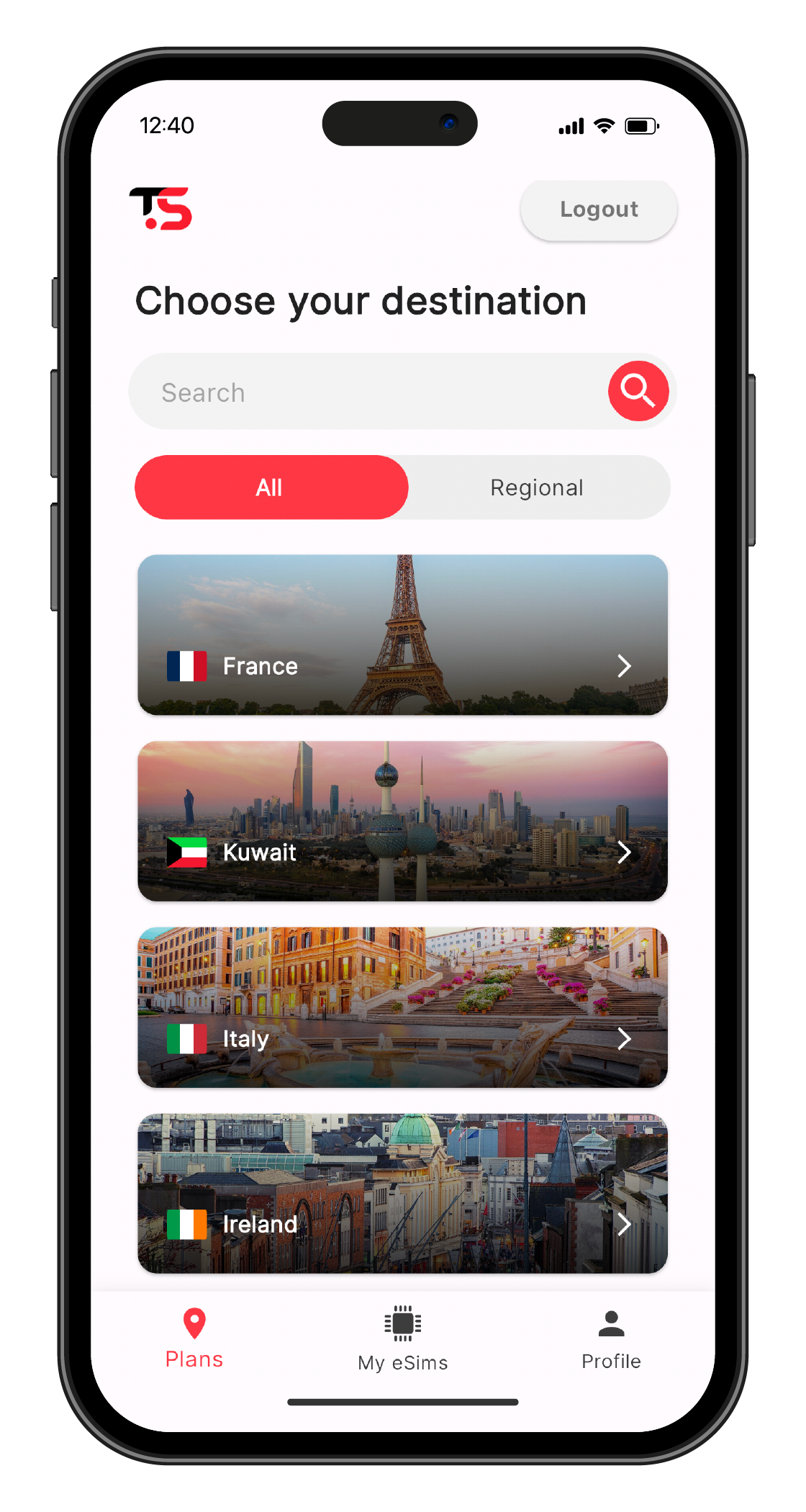
Select Destination
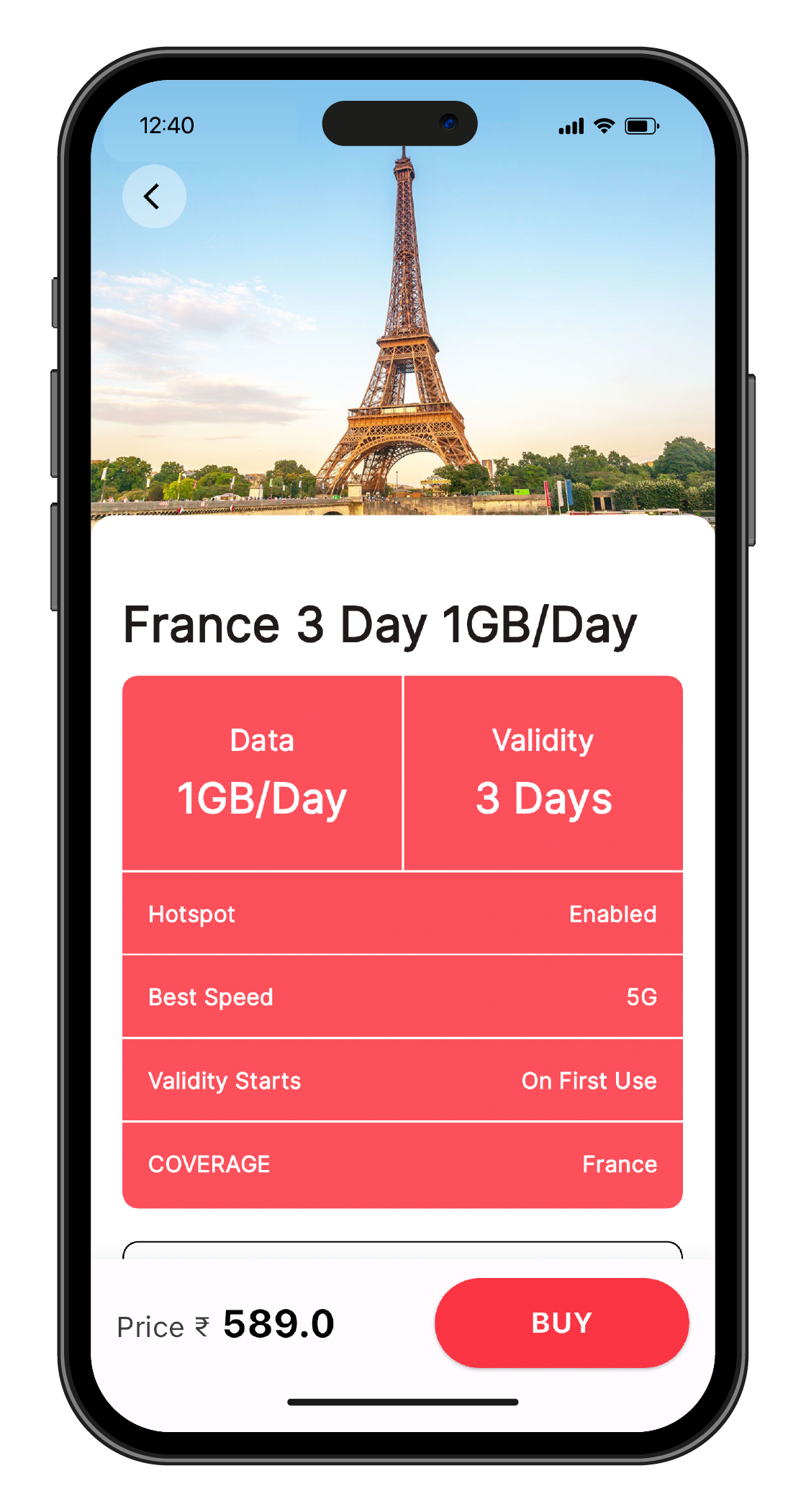
Choose Package
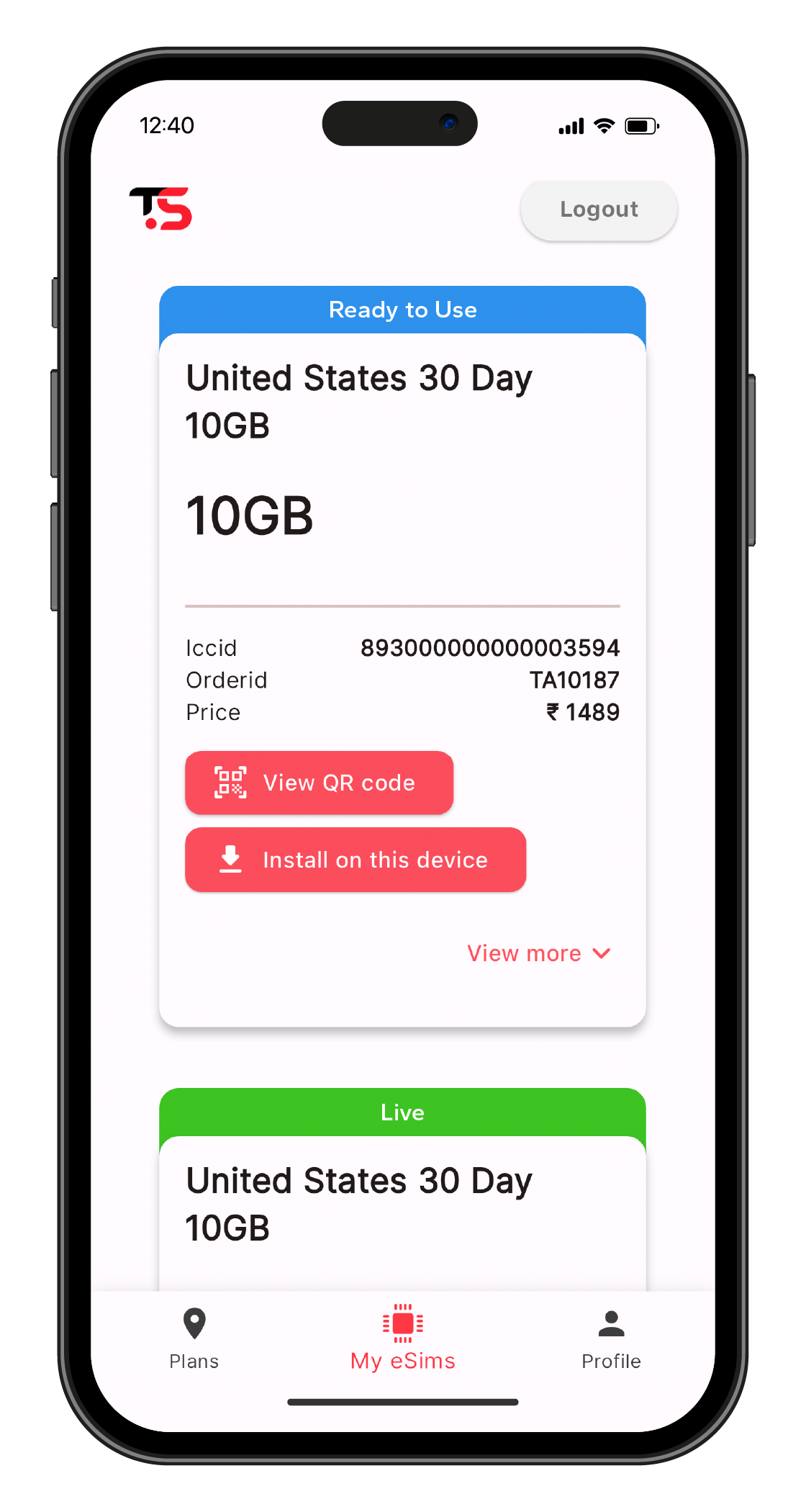
Click on or Scan QR code
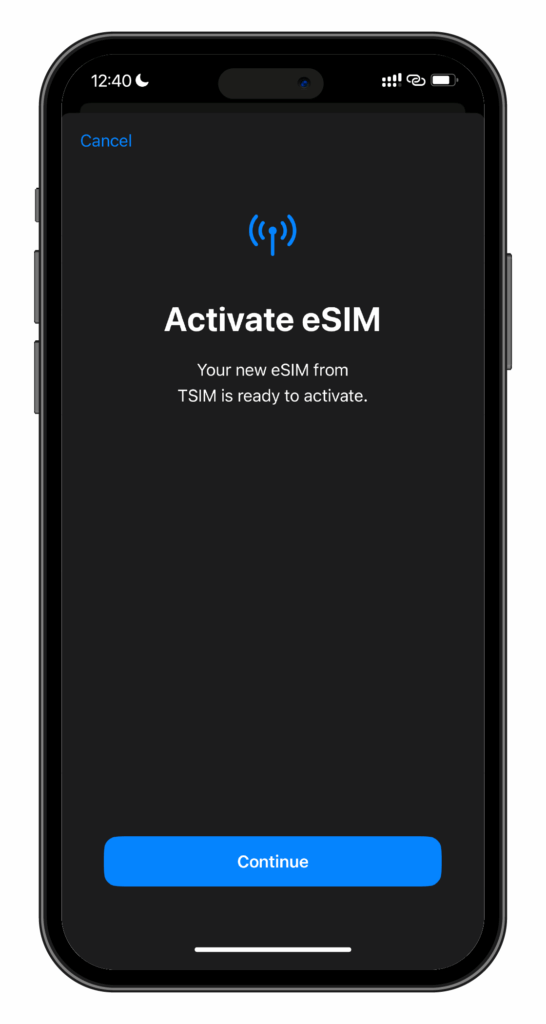
Allow install of eSIM
📥Download InstaSIM app
Enjoy seamless global connectivity with the InstaSIM App – the future of mobile connectivity is here!